
Do you want to wake up to the perfect cup of coffee without lifting a finger? Setting the auto feature on your Cuisinart coffee maker can make that dream a daily reality.
Imagine starting your morning with fresh, hot coffee ready exactly when you want it. In this guide, you’ll learn step-by-step how to program your machine easily and quickly. Keep reading, and you’ll never have to wait or worry about your coffee again!
Preparing Your Coffee Maker
Preparing your Cuisinart coffee maker is the first step to a great cup of coffee. This process ensures the machine works well and your coffee tastes fresh. Taking time to prepare the machine properly saves you from problems later. Follow these simple steps before setting the auto brew feature.
Clean The Machine
Start by cleaning your coffee maker. Remove any old coffee grounds and rinse the filter basket. Wipe the carafe and the machine’s exterior with a damp cloth. Clean parts help avoid bad tastes and keep the machine working longer.
Fill The Water Reservoir
Open the water reservoir lid. Pour fresh, cold water to the desired level. Use the markings inside the reservoir to measure. Avoid overfilling to prevent spills and machine damage.
Add Coffee Grounds
Place a paper or reusable filter into the basket. Add the right amount of coffee grounds based on how strong you want your coffee. Usually, one to two tablespoons per cup works well. Spread the grounds evenly for the best flavor extraction.

Credit: www.vicentetorns.com
Setting The Clock
Setting the clock on your Cuisinart coffee maker is the first step to enjoy fresh coffee every morning. The clock ensures your machine knows the correct time to start brewing. It helps you use the auto-brew feature easily.
This guide will show you how to set the clock quickly. Follow the simple steps below to get started.
Locate The Clock Buttons
Find the buttons labeled “Hour” and “Minute” on the coffee maker’s control panel. They are usually near the digital display. Sometimes, the clock button might be combined with other functions. Look for a button with a clock icon or the word “Clock.”
Press the “Clock” button once to enter the clock-setting mode. The display will start blinking, showing you it is ready to set the time.
Adjusting Hours And Minutes
Press the “Hour” button to change the hour. Each press moves the time forward by one hour. Hold the button to scroll faster.
Next, press the “Minute” button to set the minutes. Like the hour button, each press increases the minutes by one. Hold it down for quicker changes.
Make sure to set the correct AM or PM time if your coffee maker uses a 12-hour clock. After setting the time, press the “Clock” button again to save and exit.
Programming The Auto Brew
Programming the auto brew on your Cuisinart coffee maker saves time and effort. You wake up to fresh coffee every morning without manual steps. This feature lets you set the machine to start brewing at a specific time.
Follow clear steps to program the auto brew. The process is simple and quick. You only need to activate the mode, set the time, and confirm your settings. This way, your coffee maker will brew automatically.
Activate Auto Brew Mode
First, press the “Program” button on your coffee maker. The display will show “Auto” or a blinking time. This means the auto brew mode is active. The machine is ready for you to set the brew time.
Set Desired Brew Time
Use the hour and minute buttons to select your brew time. Choose a time that fits your morning routine. Make sure to set AM or PM correctly. The display updates as you adjust the time.
Confirm Settings
Press the “Program” or “Auto” button again to save the time. The display stops blinking, showing the set brew time. Your coffee maker will now start brewing at this time daily. Double-check the time to avoid errors.

Credit: www.youtube.com
Tips For Optimal Brewing
Getting the best coffee from your Cuisinart coffee maker needs some simple steps. These tips help you brew a rich and tasty cup every time. Follow these ideas to enjoy your coffee just the way you like it.
Use Fresh Coffee
Choose coffee beans or grounds that are fresh. Coffee loses flavor quickly after grinding. Buy small amounts and store them in a cool, dry place. Fresh coffee brings out the best aroma and taste in your brew.
Regular Maintenance
Clean your coffee maker often. Old coffee oils and dirt affect flavor and machine performance. Use a mix of water and vinegar to descale the machine monthly. Rinse well to keep your coffee tasting pure and fresh.
Adjusting Brew Strength
Your Cuisinart lets you pick how strong your coffee is. Use the brew strength option to match your taste. Stronger brews use more coffee grounds. Experiment until you find the perfect taste for your mornings.
Troubleshooting Common Issues
Setting the auto brew on your Cuisinart coffee maker should be simple. Sometimes, small issues might stop it from working right. This section helps solve common problems. Follow these tips to fix your coffee maker fast. Enjoy a fresh cup every morning without stress.
Auto Brew Not Starting
Check if the coffee maker is plugged in properly. Make sure the power button is on. The brew time might be set incorrectly. Reset the clock and set the auto brew time again. Clean the coffee maker’s sensor and brew basket. Dirt or coffee grounds can block the start function.
Incorrect Time Display
Power outages can reset the clock on your machine. Set the correct time by pressing the clock button. Use the hour and minute buttons to adjust. Make sure to confirm the time after setting. A flashing display means it needs a reset. Unplug the coffee maker for a minute, then plug it back in.
Coffee Tastes Weak
Check the coffee-to-water ratio. Use more coffee grounds for a stronger taste. Ensure the coffee grounds are fresh and not old. Clean the coffee maker regularly to remove buildup. Old filters or dirty parts can affect flavor. Try using filtered water for better taste.
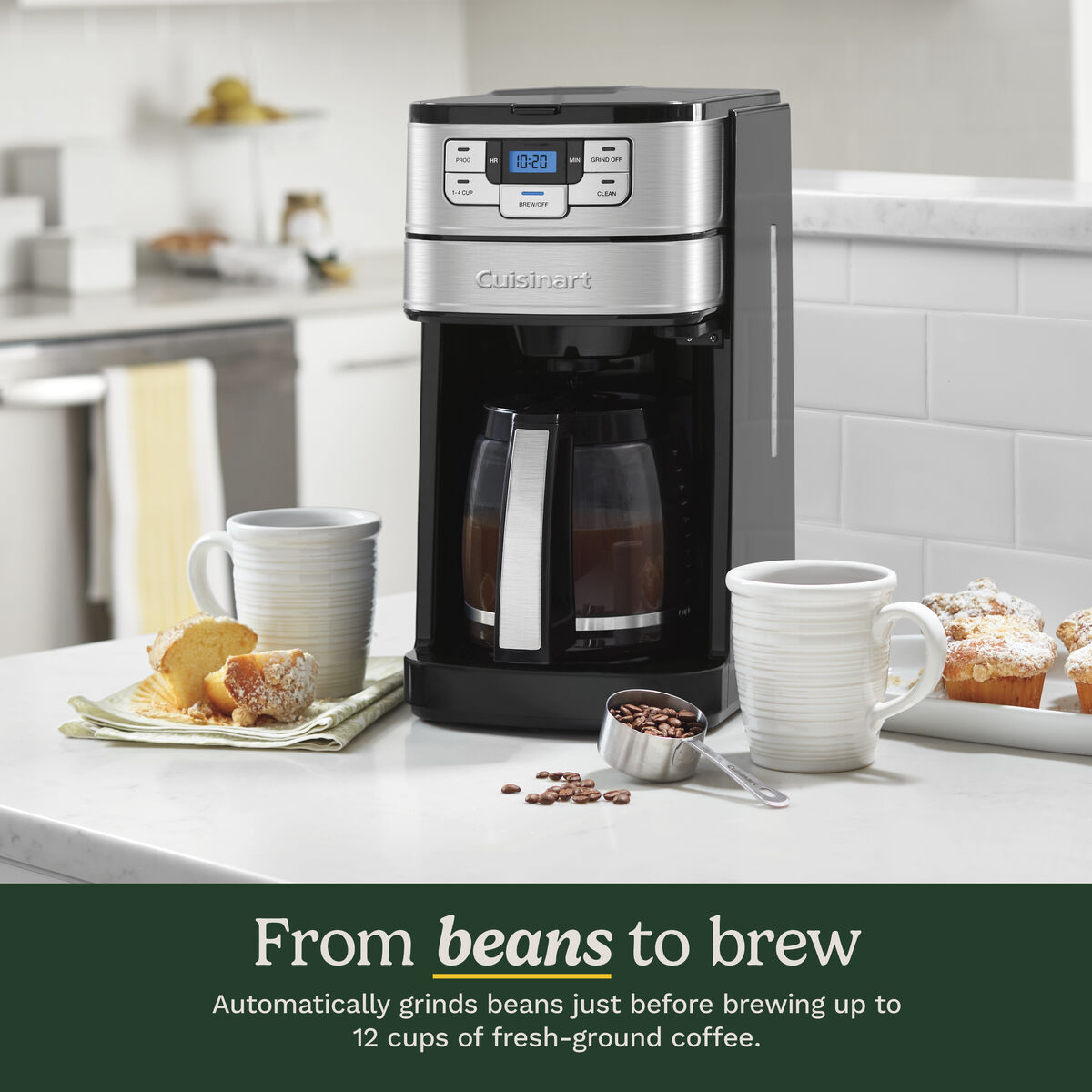
Credit: www.cuisinart.com
Frequently Asked Questions
How Do I Set The Auto Brew Time On Cuisinart?
To set auto brew, press the “Program” button until the hour blinks. Use “+” or “–” to set the hour, then press “Program” again to set minutes. Confirm by pressing “Auto” to activate the auto brew function.
Can I Customize Brewing Strength On Auto Mode?
Yes, you can select brew strength before setting auto mode. Press the “Brew Strength” button to toggle between regular and bold. The chosen strength is saved for your auto brew cycle.
How To Cancel The Auto Brew Setting Quickly?
To cancel auto brew, press the “Auto” button once. The light will turn off, indicating the auto function is disabled. Your coffee maker will no longer start automatically.
Does The Cuisinart Auto Brew Work With A Timer?
Yes, the auto brew feature uses an internal timer. It starts brewing at the preset time daily until you change or cancel it.
Conclusion
Setting the auto function on your Cuisinart coffee maker saves time every morning. Just follow the simple steps to program it right. Wake up to fresh coffee without any hassle. Enjoy the convenience and start your day smoothly. A little effort brings great comfort.
Keep your machine clean for best results. Now, your coffee routine feels easier and better. Ready for a perfect brew, anytime you want.