
Do you ever wish your coffee was just a little hotter or cooler? Getting the perfect temperature on your Cuisinart coffee maker can make a big difference in how your coffee tastes.
If you’re tired of your coffee being too warm or not warm enough, you’re in the right place. In this guide, you’ll learn exactly how to adjust the temperature on your Cuisinart coffee maker quickly and easily. Keep reading to enjoy every cup just the way you like it!
Credit: www.cuisinart.com
Cuisinart Coffee Maker Features
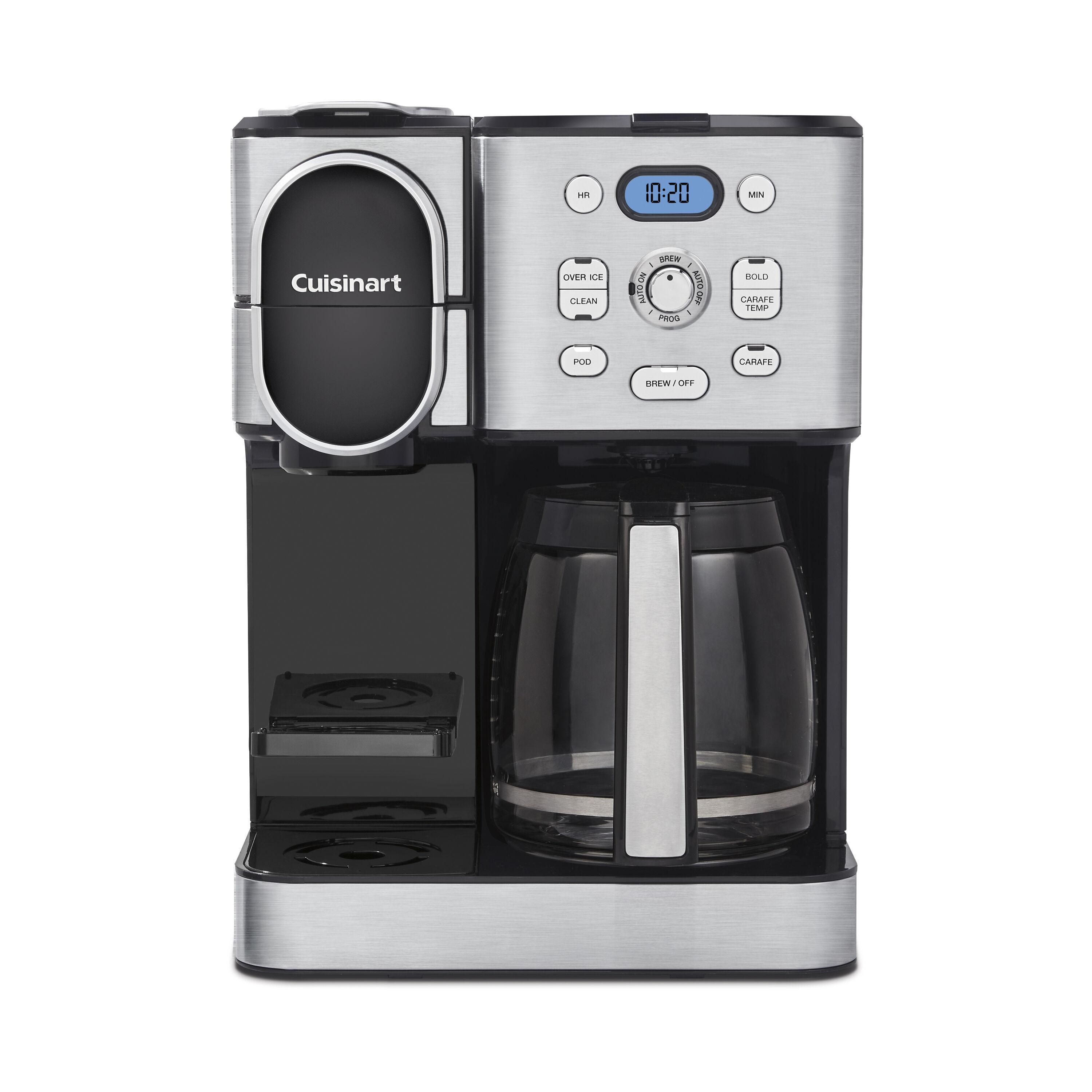
Cuisinart coffee makers offer many useful features that improve your brewing experience. These features make it easy to customize your coffee just the way you like it. You can control the temperature, brew strength, and even the size of your coffee cup.
The design focuses on convenience and quality. Many models come with simple buttons and clear displays. This helps you make coffee without confusion. Knowing the features helps you use your machine better.
Temperature Settings Overview
Most Cuisinart coffee makers allow you to set the brew temperature. You can choose between several heat levels. This lets you make coffee at the temperature you prefer. Hotter settings bring out stronger flavors. Lower settings keep the taste mild and smooth.
Adjusting the temperature is simple. Use the control panel or buttons on your machine. Some models show the exact temperature on a digital screen. This helps you know the current brewing heat. Setting the right temperature improves your coffee’s taste.
Model Variations
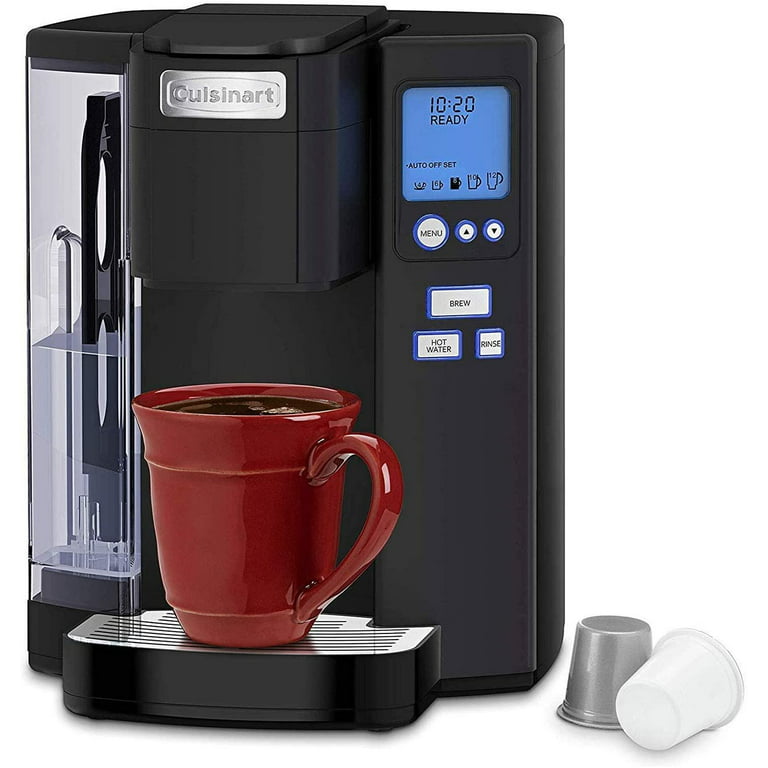
Cuisinart offers different coffee maker models. Each model has unique features and controls. Some models have basic temperature controls. Others provide more precise temperature adjustments. High-end models may also include programmable settings.
Knowing your model helps you find the right instructions. Check your coffee maker’s manual for specific temperature features. Some models have presets for different coffee types. Others allow full manual control for temperature and brew time.
Preparing Your Coffee Maker
Preparing your Cuisinart coffee maker is the first step to enjoy great coffee. Proper preparation helps the machine work well and makes changing the temperature easier. Clean parts and correct setup ensure the best flavor and smooth operation.
Cleaning The Machine
Start by cleaning your coffee maker. Remove old coffee grounds and rinse the filter basket. Wipe the exterior with a damp cloth. Clean the water reservoir to avoid bad taste. A clean machine brews better coffee and prevents damage.
Powering On
Plug in your coffee maker and press the power button. Wait for the machine to warm up. Some models show a light or beep when ready. Only start adjusting settings after the machine is fully on. This step ensures the temperature control works right.
Adjusting The Temperature
Adjusting the temperature on your Cuisinart coffee maker helps you enjoy coffee just the way you like it. You can make your coffee hotter or cooler by changing the settings. This guide shows you simple steps to adjust the temperature with ease.
Accessing Temperature Controls
Start by turning on your coffee maker. Look for the control panel on the front or top. Find the button or dial labeled “Temperature” or “Temp.” Press or turn it to open the temperature settings. Some models may have a digital screen showing the current temperature.
Setting Desired Temperature
Use the buttons or dial to choose your preferred temperature. The range usually goes from 175°F to 195°F. Pick a lower number for milder coffee or higher for a hotter cup. Confirm your choice by pressing “Set” or waiting a few seconds. The coffee maker will now brew at the new temperature.
Credit: www.walmart.com
Troubleshooting Temperature Issues
Temperature problems can ruin your coffee experience. Knowing how to fix them helps you enjoy every cup. This section guides you through common issues and easy fixes for your Cuisinart coffee maker. Follow the steps to get the right temperature again.
Common Problems
Your coffee maker might brew too hot or too cold. Sometimes the temperature setting does not change. The machine could take too long to heat water. These issues often come from calibration errors or internal faults. Checking the power source and settings is a good start.
Resetting The Machine
Resetting can solve many temperature problems quickly. Unplug the coffee maker from the power outlet. Wait for about 5 minutes to clear internal memory. Plug the machine back in and turn it on. This process refreshes the system and resets temperature controls. Try brewing again to see if the problem ends.
Tips For Optimal Coffee Temperature
Getting the right coffee temperature makes a big difference in taste. Too hot or too cold, and the flavor changes. Adjusting your Cuisinart coffee maker to the right temperature helps you enjoy every cup. Here are some tips to find and keep the best coffee temperature.
Best Temperature Range
The ideal coffee temperature is between 195°F and 205°F. This range extracts the best flavors from coffee grounds. Water below 195°F might taste weak or sour. Above 205°F, coffee can taste bitter or burnt. Set your Cuisinart coffee maker to this range for balanced flavor.
Maintaining Consistency
Consistent temperature keeps your coffee tasting the same every time. Clean your coffee maker regularly to avoid buildup that affects heat. Use fresh water for each brew. Avoid opening the lid during brewing to keep heat steady. These small steps help maintain the right temperature and flavor.
Credit: www.youtube.com
Frequently Asked Questions
How Do I Change The Temperature On A Cuisinart Coffee Maker?
To change the temperature, press the “Temp” button on your Cuisinart coffee maker. Use the arrow keys to select your desired temperature. Confirm by pressing “Start. ” This lets you customize brewing temperature for optimal flavor extraction.
Can I Set A Custom Temperature On Cuisinart Machines?
Yes, most Cuisinart coffee makers allow temperature customization. Use the temperature control buttons to adjust settings between 190°F and 200°F. This feature helps you brew coffee at your preferred heat level for best taste.
Why Is Adjusting Coffee Maker Temperature Important?
Adjusting temperature affects coffee flavor and strength. Optimal brewing temperature enhances taste and aroma. Too hot or too cold water can lead to bitter or weak coffee. Cuisinart’s temperature control helps achieve perfect brews every time.
Does Changing Temperature Affect Brewing Time On Cuisinart?
Changing temperature slightly affects brewing time but mainly impacts flavor. Higher temperatures extract more oils quickly, while lower temps take longer. The coffee maker maintains consistent brew cycles regardless of temperature setting.
Conclusion
Changing the temperature on your Cuisinart coffee maker is simple and quick. This small step can improve your coffee’s taste. Just follow the instructions carefully. You can enjoy coffee just the way you like it. No need to rush or guess.
Take your time and adjust settings as needed. Enjoy every cup, warm and perfect. Keep your machine clean for best results. Happy brewing!